Free for Chrome, Edge & Brave
Softekia Chrome Extension
PDF tools, screenshots, an SEO check and everyday web tools in one free extension. The PDF tools work offline and your files never leave your device.
- No sign-up
- No watermarks
- Works offline
What the extension does
Six tools you reach for every day, one click from the toolbar.
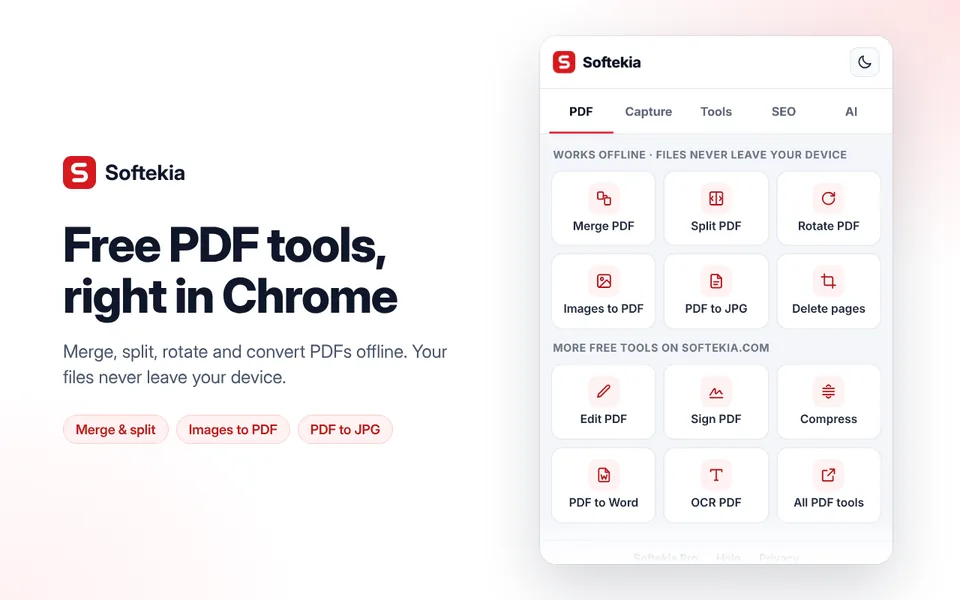
PDF tools that work offline
Merge, split, rotate and delete pages. Images to PDF and PDF to JPG. Your files never leave your device.
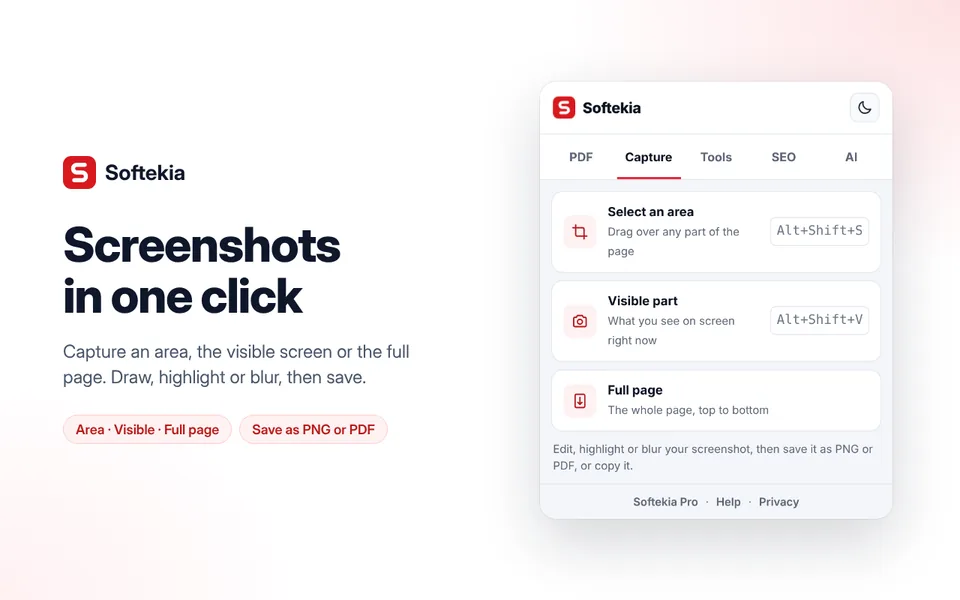
Screenshots with markup
Capture an area, the visible screen or the full page. Draw, add arrows and text, blur private details, save as PNG or PDF.
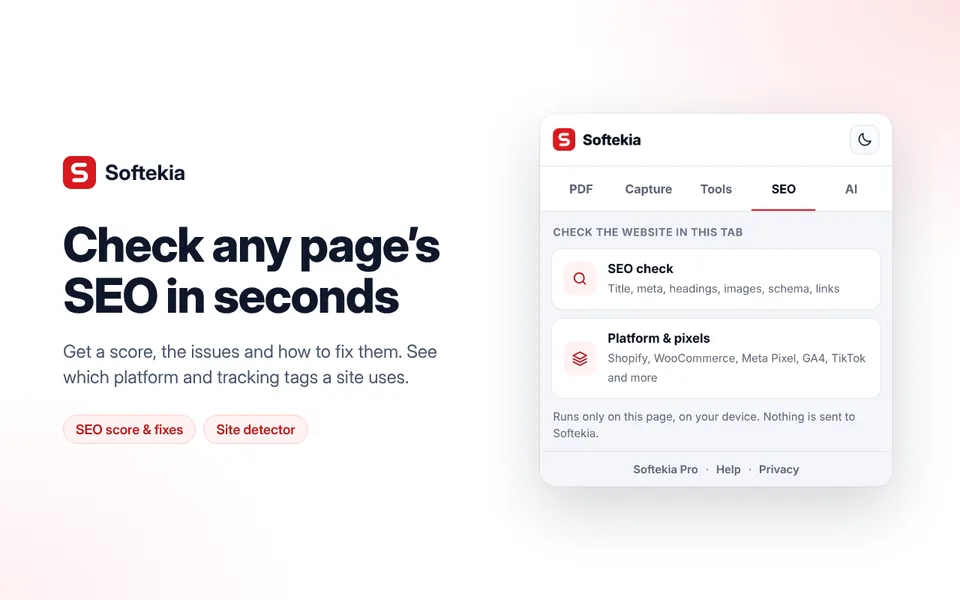
SEO check
An SEO score with clear fixes: title, meta, headings, alt text, canonical, indexing, structured data and sitemap.
Site & tracking detector
See which store platform a website runs on and which analytics and ad tracking tags it uses. Copy the report in one click.
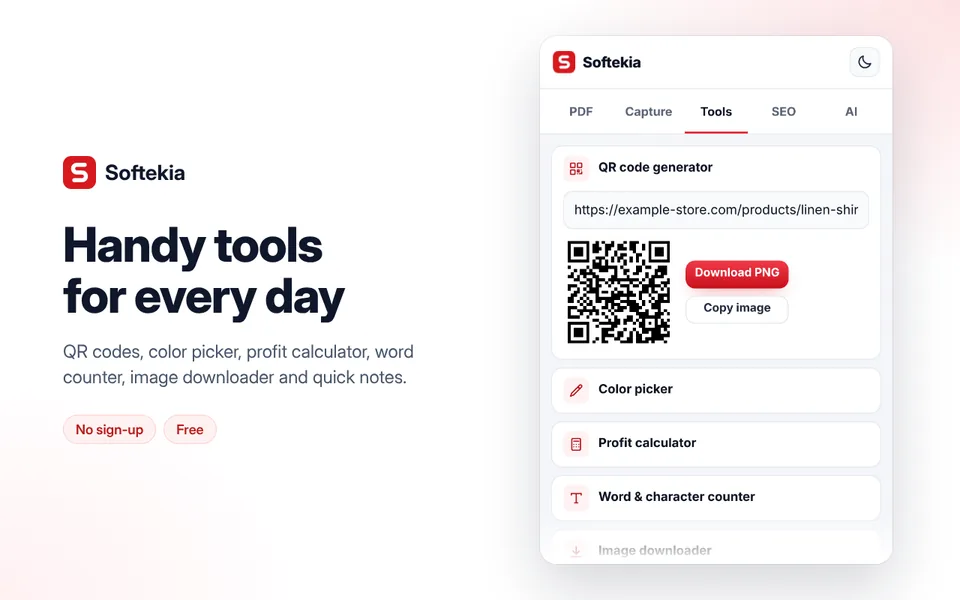
Everyday tools
QR codes, color picker, profit calculator, word counter, image downloader and quick notes — saved automatically.
Softekia AI (optional)
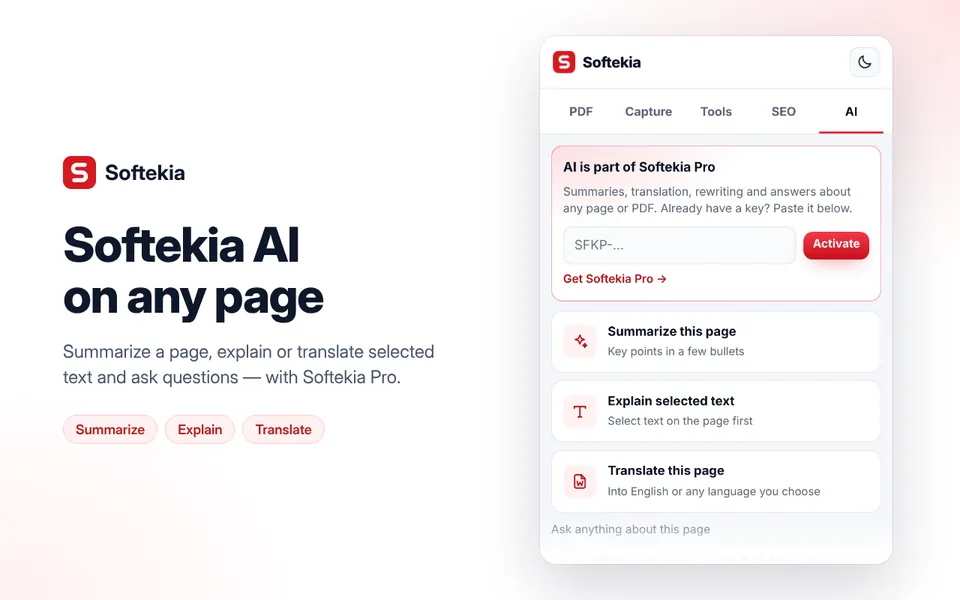
With Softekia Pro: summarize a page, explain or translate selected text and ask questions. Every non-AI tool stays free.
Need more? One click opens the full set of free PDF tools on softekia.com — edit, sign, compress, OCR and convert.
See it in action
Private by design
PDF tools, screenshots, the SEO check, the site detector and the everyday tools run entirely in your browser. Softekia does not collect your browsing history. Page text is sent to Softekia only when you choose an AI action. Read the Privacy Policy.
Install in three steps
- Open Softekia on the Chrome Web Store.
- Click Add to Chrome, then Add extension.
- Pin Softekia from the puzzle icon so it is one click away.
Frequently asked questions
Is the Softekia extension free?
Yes. PDF tools, screenshots, the SEO check, the site detector and every everyday tool are free with no sign-up. Only the AI features need Softekia Pro.
Do my PDF files get uploaded?
No. Merge, split, rotate, delete pages, images to PDF and PDF to JPG run inside your browser, so your files stay on your device.
Which browsers does it work in?
Google Chrome and other Chromium browsers that install extensions from the Chrome Web Store, such as Microsoft Edge and Brave.
How do I take a screenshot with Softekia?
Click the Softekia icon, open the Capture tab and choose an area, the visible part or the full page. You can also press Alt+Shift+S for an area or Alt+Shift+V for the visible screen.
How do I check the SEO of a page?
Open the page, click the Softekia icon and open the SEO tab, or right-click the page and choose the SEO check. You get a score, the issues found and how to fix them.
Who makes the Softekia extension?
Softekia, the company behind Softekia Commerce — all-in-one software for online stores — and the free Softekia PDF tools.
Get the extension
Free on the Chrome Web Store. Also runs your online store? See Softekia Commerce — orders, delivery, stock, POS and profit in one system.